
Laser Knowledge Center

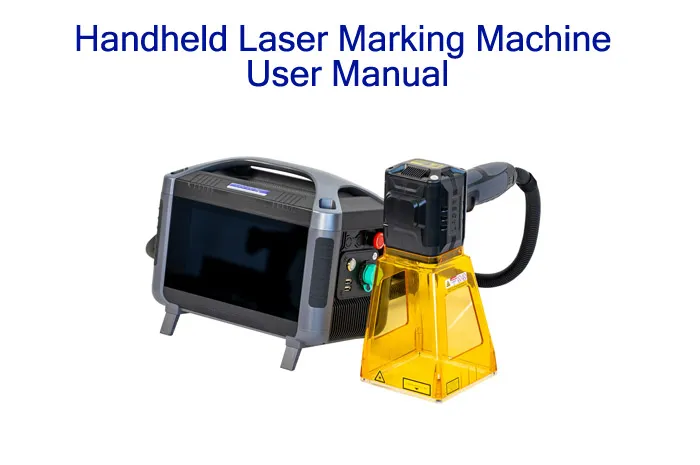
Handheld Laser Marking Machine User Manual
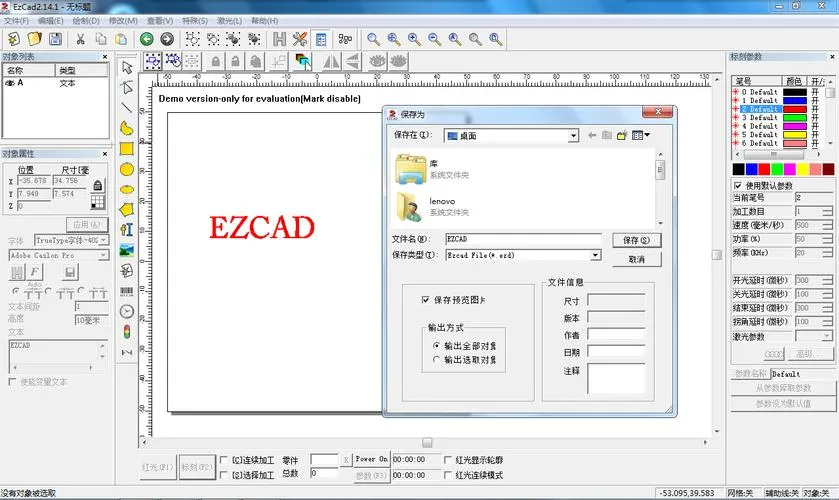
JQ LASER · OPERATING & USER GUIDE handheld laser marking machine user manual This handheld laser marking machine manual explains the basic safety rules, machine parameters, marking workflow, text and serial-number editing, QR and barcode creation, red-light positioning, parameter adjustment, production-line functions, file management, maintenance and common operating checks. The supplied manual covers 20W, 30W and 50W configurations. Start With Quick Setup View Specifications Read This Before Operating the Machine This equipment uses a laser source whose emitted radiation exceeds Class 1 levels according to the supplied manual. Do not expose eyes or skin to the laser beam or reflected…

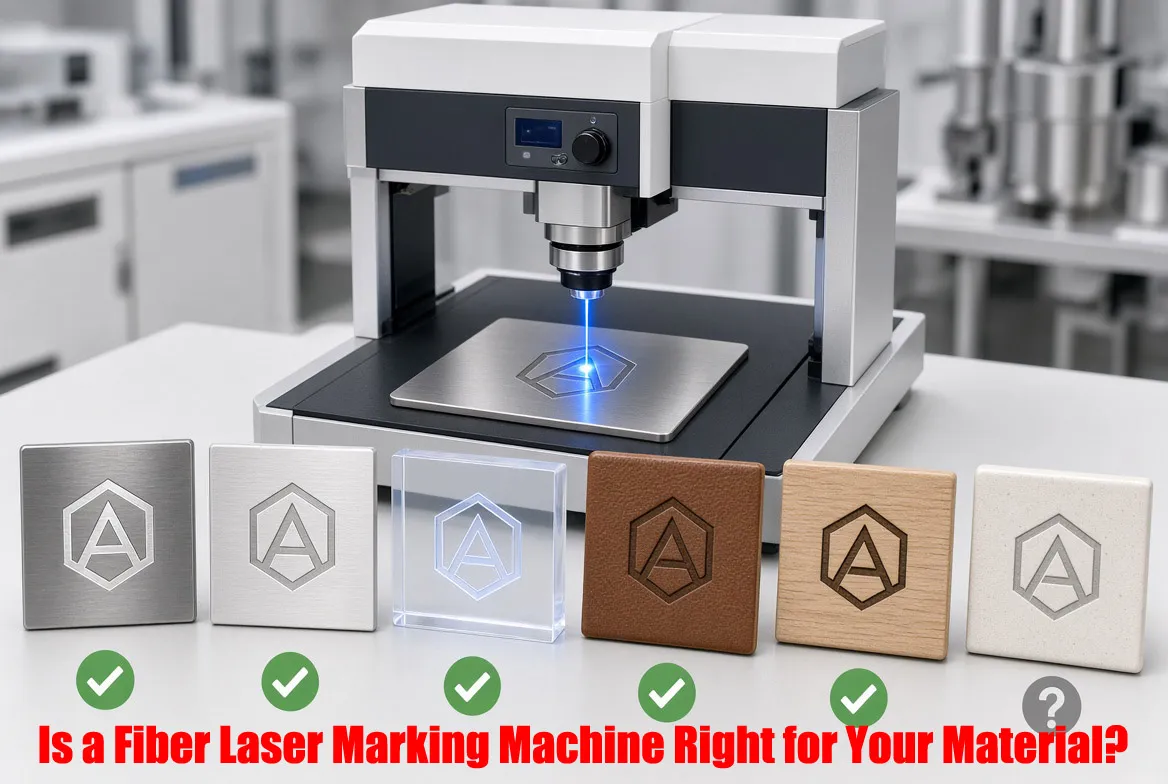
Is a Fiber Laser Marking Machine Right for Your Material?
MATERIAL COMPATIBILITY & BUYING GUIDE fiber laser marking machine material compatibility A fiber laser is usually the right starting point when your main materials are metals such as stainless steel, aluminum, brass, copper, titanium or coated metal parts. JQ Laser’s current fiber systems use a typical 1064 nm wavelength with 20W–100W power options. But “metal” or “plastic” is not enough information to approve a machine. Alloy, coating, color, surface finish, required mark, depth and production speed all matter. For many heat-sensitive plastics, glass, PCB and fine electronic parts, UV may be a better starting point; for wood, leather, acrylic and…
How Does CO2 Laser Marking Machine Price Change by Power, Automation, Material, and Safety Enclosure?
CO2 laser marking machine price changes mainly because the machine is not just a laser source. Power, laser source brand, marking area, optical system, machine structure, rotary axis, automation, vision, safety enclosure, exhaust and the material you need to process can all change the quotation. A basic 30W desktop CO2 marker for wood or packaging can cost far less than a 60W or 100W industrial system with a rotary fixture, conveyor, vision inspection and enclosed safety cabinet. The right way to compare prices is to compare the complete configuration against your actual workpiece, marking result and production cycle—not just the…

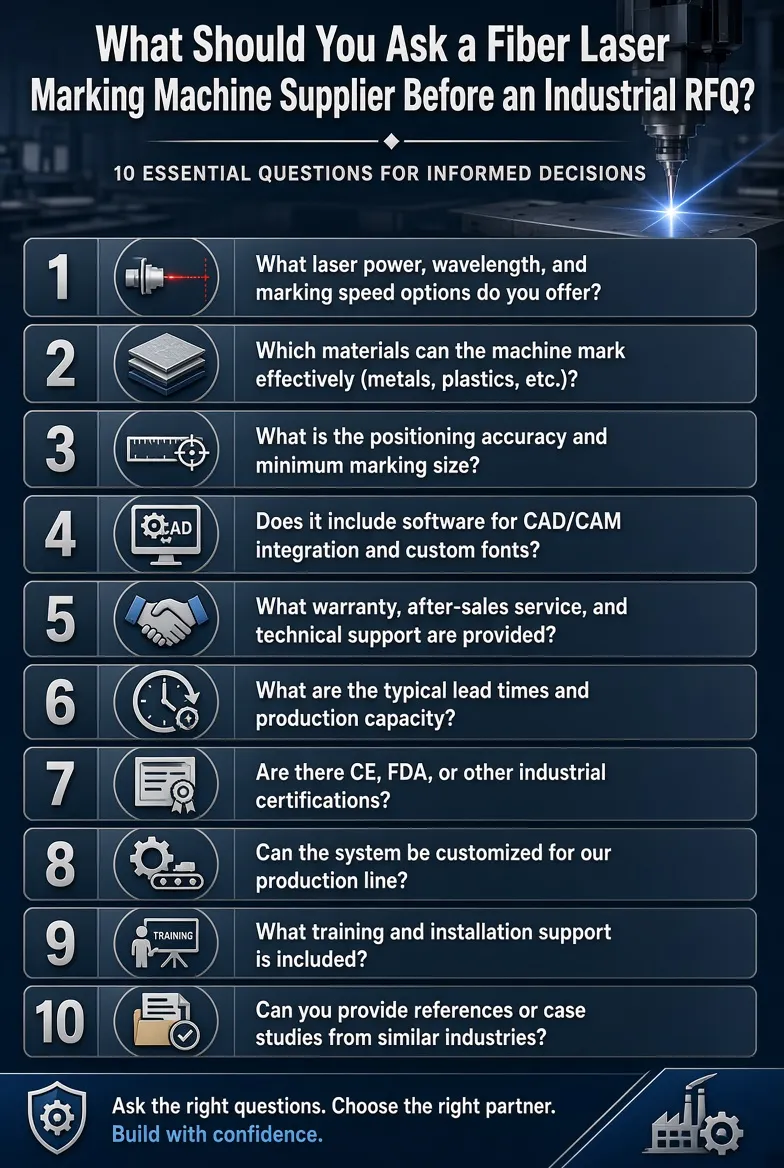
What Should You Ask a Fiber Laser Marking Machine Supplier Before an Industrial RFQ?
Before sending an industrial RFQ, don’t ask only for the machine price and laser power. Ask the supplier to confirm the laser source, marking field, actual marking speed, material compatibility, marking depth, sample-test results, fixture design, automation requirements, production lead time, QC process, warranty, spare parts, OEM capability and shipping terms. For production projects, also ask how the supplier measures cycle time and whether the machine has been tested with your actual workpiece and marking file. A good RFQ should describe your part first and the machine second. This gives you a much better basis for comparing suppliers and avoiding…

How to Set Fiber Laser Marking Machine Parameters
When you buy a fiber laser marking machine, the manufacturer will normally show you how to operate the machine and adjust the marking parameters.Today, I’d like to introduce to you How to Set Fiber Laser Marking Machine Parameters! The problem is that you may remember everything during the training, but after using the machine for a few weeks or months, some of the settings are easy to forget. So in this guide, we’ll go through the main fiber laser marking machine parameters step by step. A common question from new users is: How should I set the parameters of a…

Why Is There No Laser Output from the Laser Marking Machine?
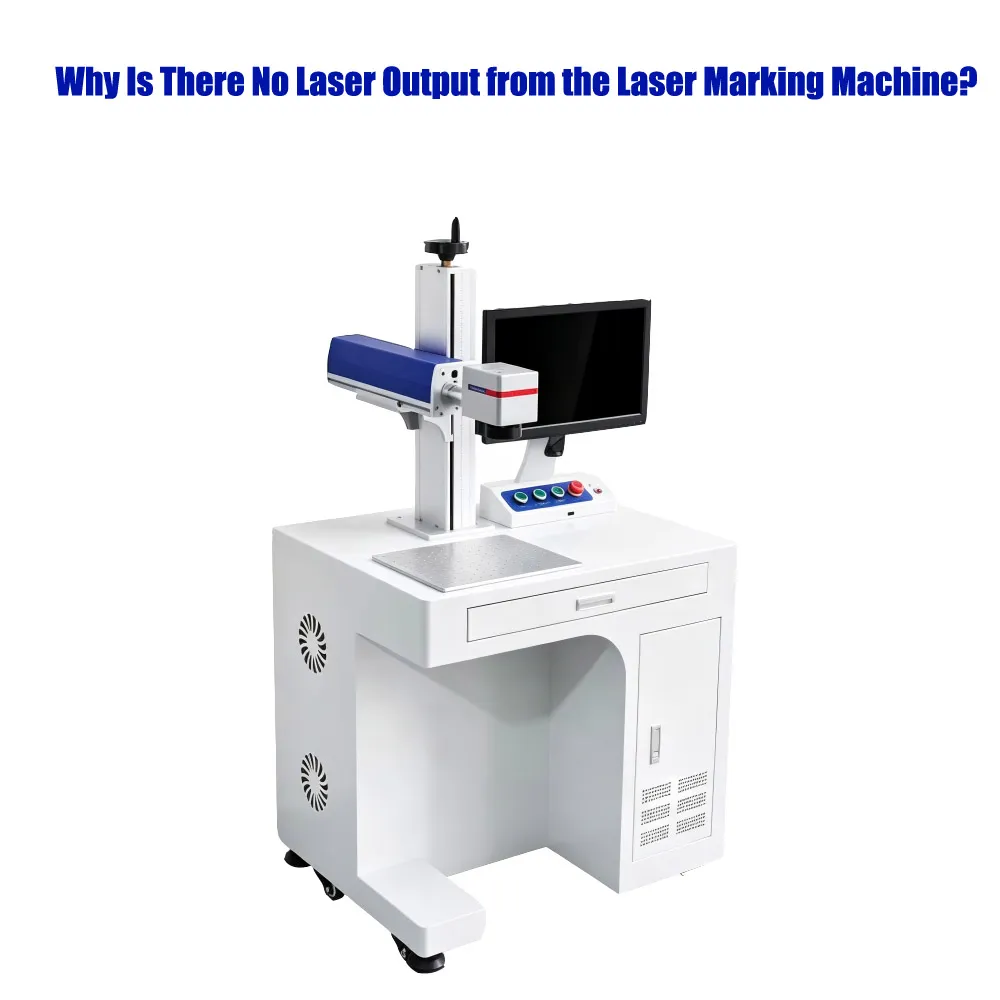
Why Is There No Laser Output from the Laser Marking Machine? There are several possible reasons why a laser marking machine may not produce a laser beam, and these can be diagnosed by examining different parts of the equipment. Below are some common causes and their possible solutions: 1. Power Supply Issues Cause: The laser marking machine is not connected to a power source, or there is a problem with the power cord. Solution: Check the power connections to ensure the power outlet and the machine’s power cord are securely connected and that the power switch is turned on. 2.…
What Laser Is Best for Engraving Plastic?
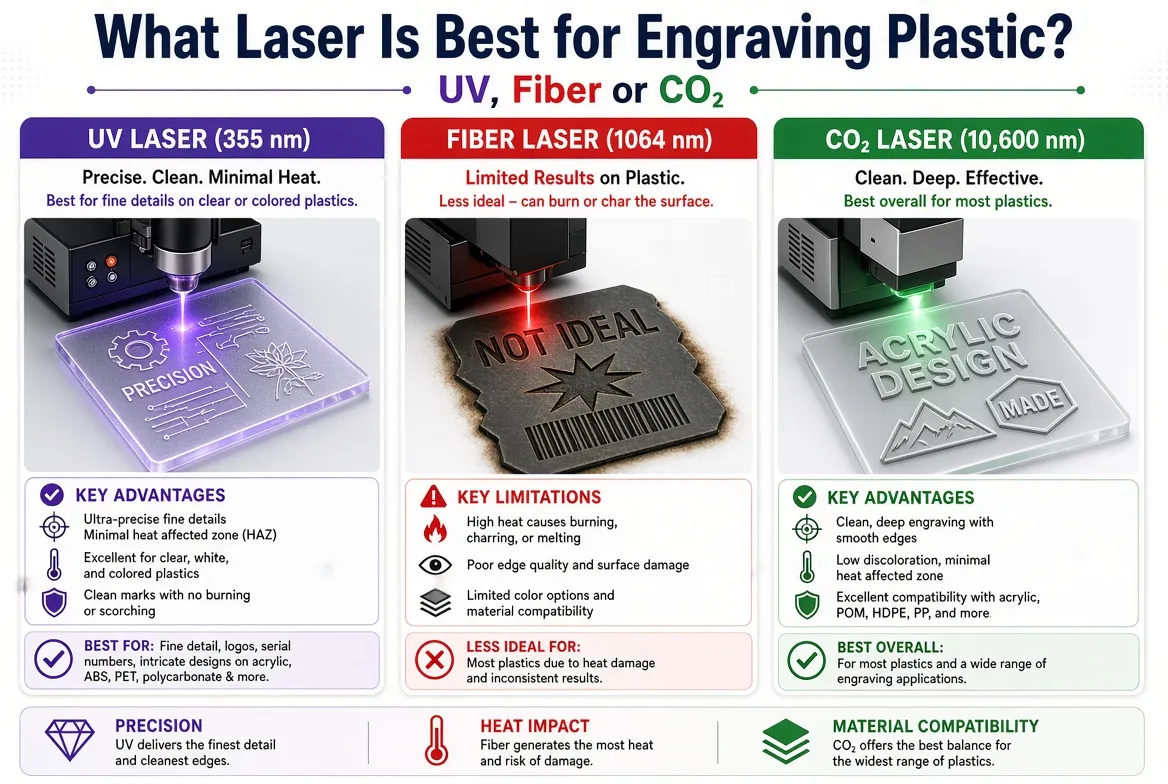
If you are asking “What laser is best for engraving plastic?”, the short answer is: there is no single laser that is best for every type of plastic. For many industrial plastic-marking applications, a 355 nm UV laser is an excellent starting point because it can produce fine, high-contrast marks with relatively low thermal impact. However, CO₂ lasers can be highly effective for materials such as acrylic, plastics, films and packaging, while 1064 nm fiber or MOPA lasers can work very well on certain engineered plastics and laser-markable polymers. The correct choice depends on the actual plastic, its color and…
Why Is a UV Laser Marking Machine More Expensive Than Fiber?
When buyers compare laser marking machines, one question often comes up: Why is a UV laser marking machine usually more expensive than a fiber laser marking machine? Both systems can be used for industrial marking, and both can provide permanent, high-precision results. However, UV and fiber laser marking systems use different wavelengths, laser technologies, optical components, and application strategies. A typical fiber laser marking machine operates at around 1064 nm, while a UV laser marking machine commonly operates at 355 nm. The shorter UV wavelength changes how the laser interacts with materials and makes UV particularly useful for applications where…

laser marking machine three colors difference
The main difference between 355nm UV, 532nm green and 1064nm fiber laser marking is wavelength, and wavelength strongly affects how efficiently a laser interacts with different materials. In simple terms, 1064nm fiber lasers are widely used for metals, 355nm UV lasers are particularly useful for plastics, glass, electronics and heat-sensitive materials, while 532nm green lasers can be valuable for selected plastics, semiconductor and specialized precision applications. But there is an important point that buyers sometimes miss: laser color alone does not determine marking quality. The final result also depends on laser power, pulse width, repetition frequency, beam quality, focusing optics,…

Fiber Laser Marking Machine Price in India: 2026 Buyer’s Guide
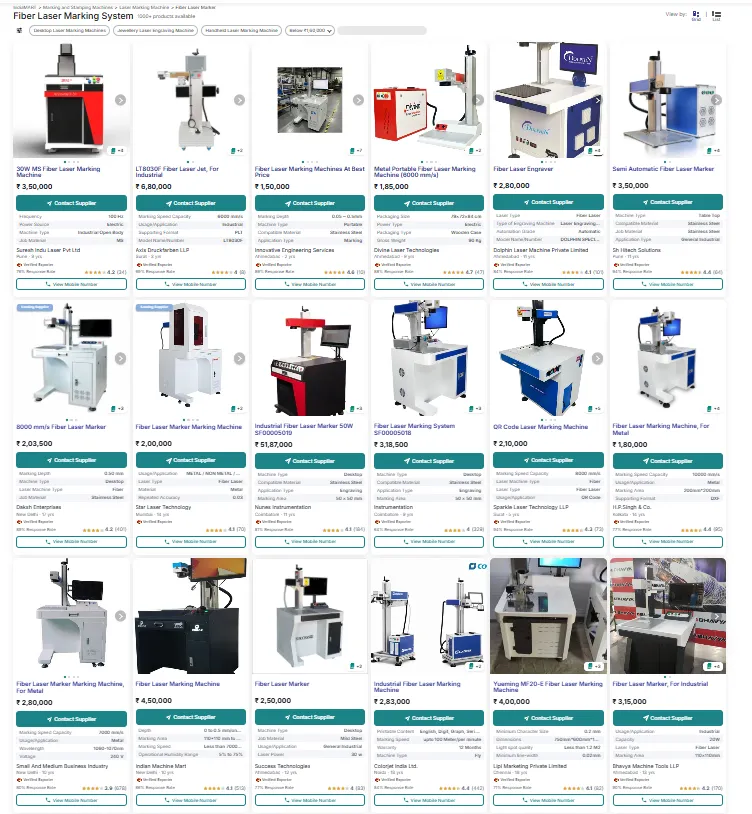
If you are searching for the fiber laser marking machine price in India, a realistic starting point is roughly ₹1.45 lakh to ₹3.5 lakh or more for many standard 20W–50W machines, based on publicly listed Indian-market prices. However, this is not a fixed market price. The final quotation depends on the laser power, laser source, marking field, galvanometer scanner, F-theta lens, software, rotary axis, machine structure, automation, GST, shipping and installation. For example, one Indian supplier currently lists a 20W table-top fiber laser marking machine from ₹145,000 + GST, a 30W model from ₹175,000 + GST and a 50W model…
What Are the Uses of Fiber Laser Marking Machines?
Fiber laser marking machines are mainly used to create permanent identification, traceability, logos, serial numbers, barcodes, QR codes, specifications and decorative marks on metals and selected plastics. They are widely used in automotive parts, electronics, hardware and tools, medical devices, batteries, aerospace components, jewelry, packaging and general industrial manufacturing. Unlike a traditional printer or label, a laser mark can be created directly on the surface of a component without using ink, labels or consumable marking chemicals. Depending on the material and process parameters, a fiber laser can produce surface color changes, annealing marks, coating removal, engraving and other permanent identification…
Fiber Laser Marking Machine ROI Calculator
Fiber Laser Marking Machine TCO & ROI Calculator Estimate your total cost of ownership, annual savings, ROI and payback period when switching to a fiber laser marking machine. 1Current Marking Method Current Marking Cost per Part (USD) Include ink, labels, tooling, consumables or other direct marking costs. Parts Marked per Month Estimated monthly production volume. 2Fiber Laser Operating Cost Fiber Laser Cost per Part (USD) Estimated electricity, consumables and other variable cost per part. Annual Maintenance Cost (USD) Annual Consumables Cost (USD) Annual Electricity Cost (USD) Other Annual Operating Cost (USD) 3Initial Investment Fiber Laser Machine Price (USD) Installation &…

Laser Knowledge Center
Explore professional knowledge about laser marking machines, laser engraving technology, material processing, industrial applications and machine selection guides.
Get Expert Laser AdviceProfessional Laser Marking Knowledge Center
Laser marking technology is widely used in manufacturing industries including automotive, electronics, hardware, medical, battery and consumer products.
Choosing the correct laser machine requires understanding different factors such as:
- Material characteristics
- Laser wavelength
- Processing requirements
- Marking speed
- Production environment
JQ Laser Knowledge Center provides practical technical information to help manufacturers select suitable laser marking solutions and improve production efficiency.