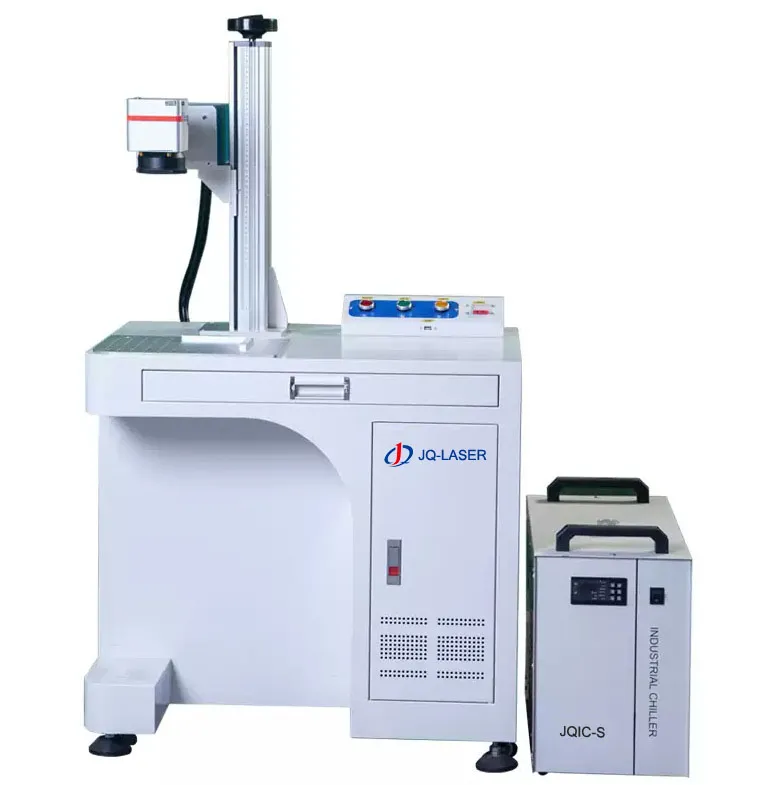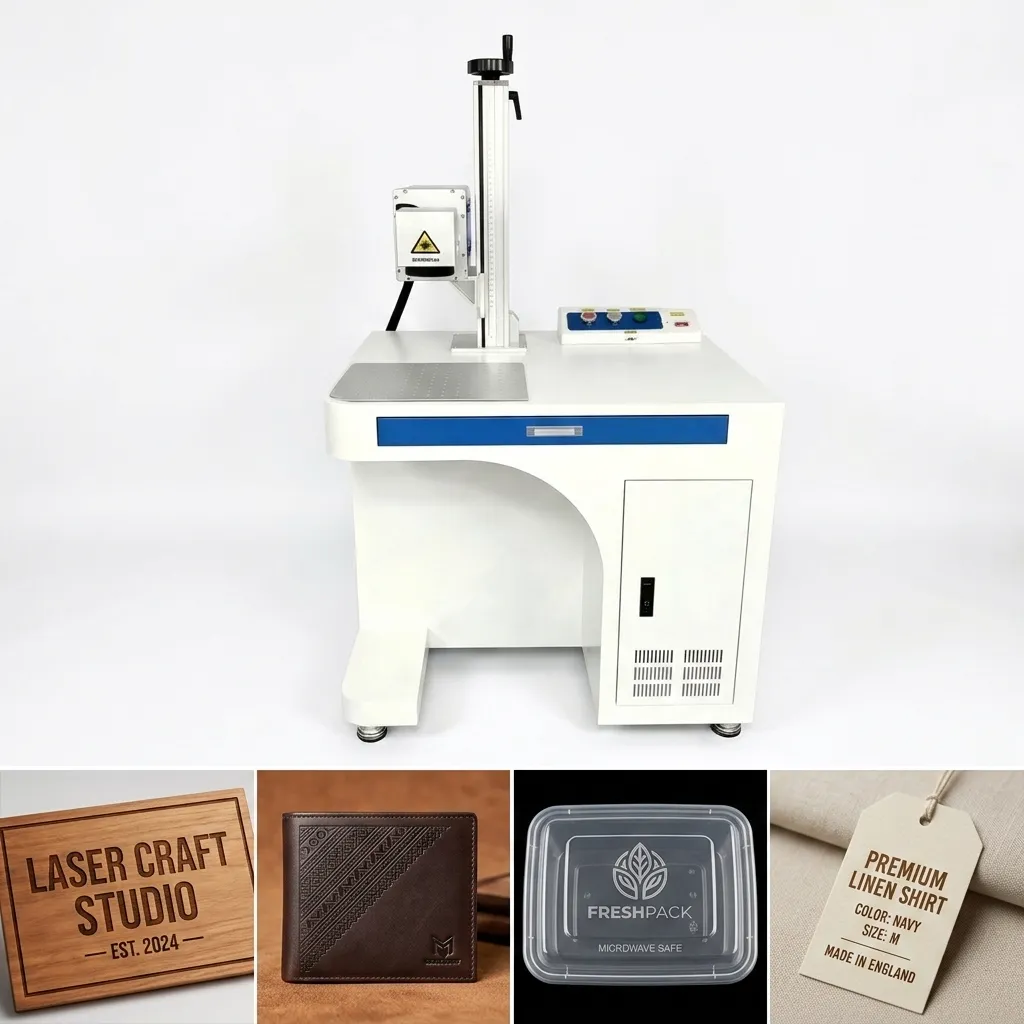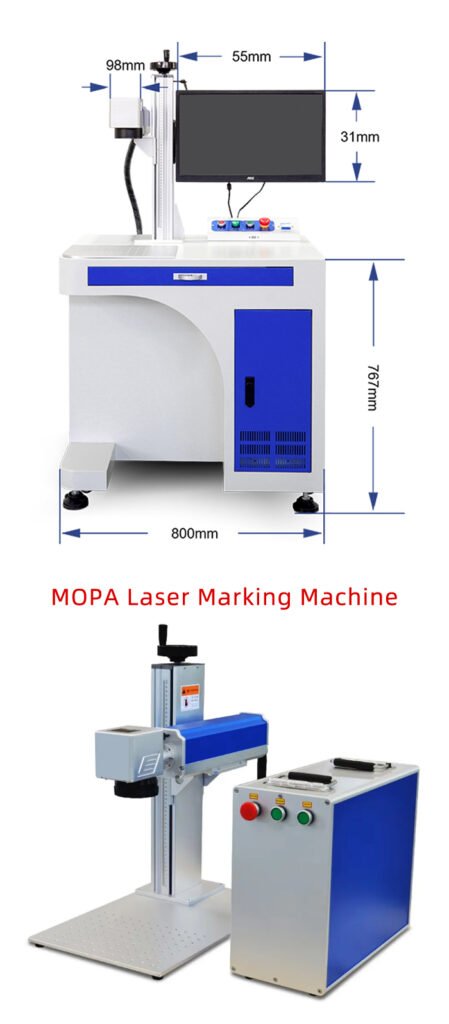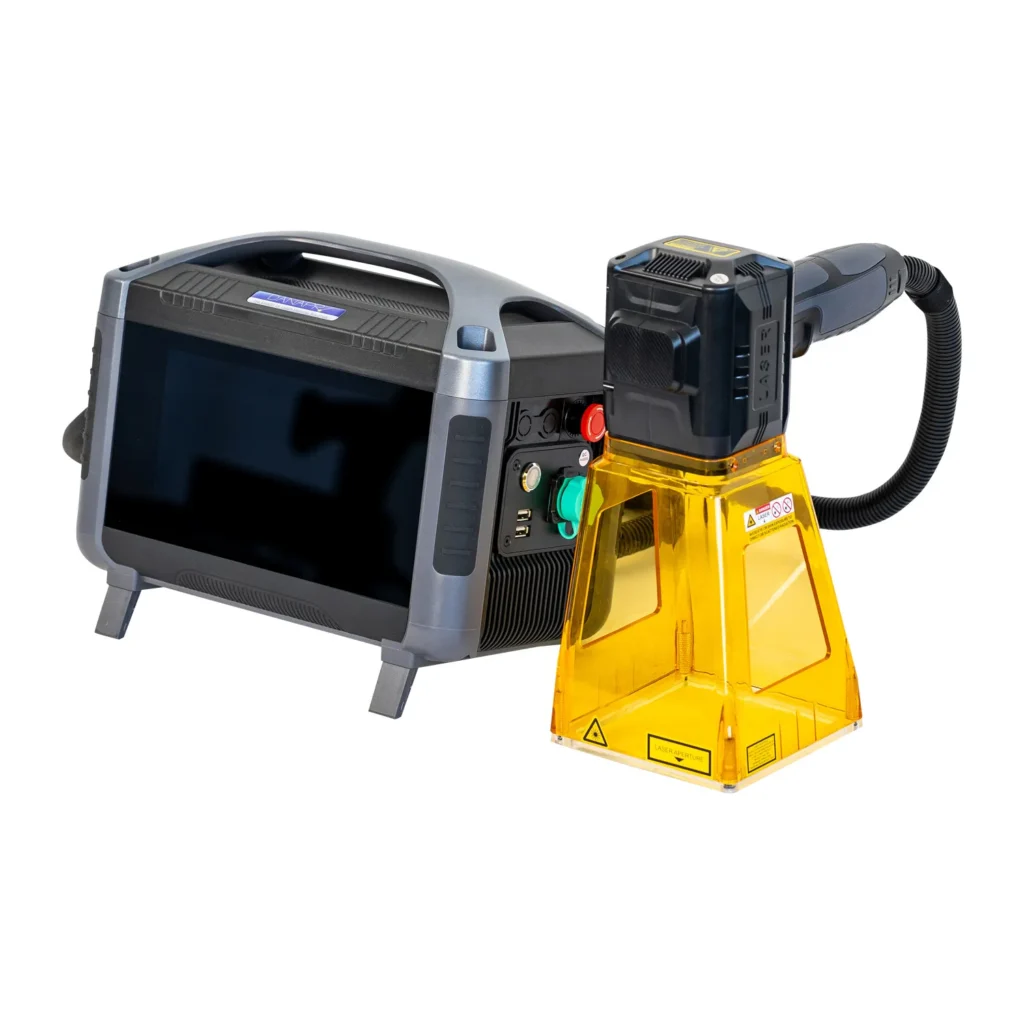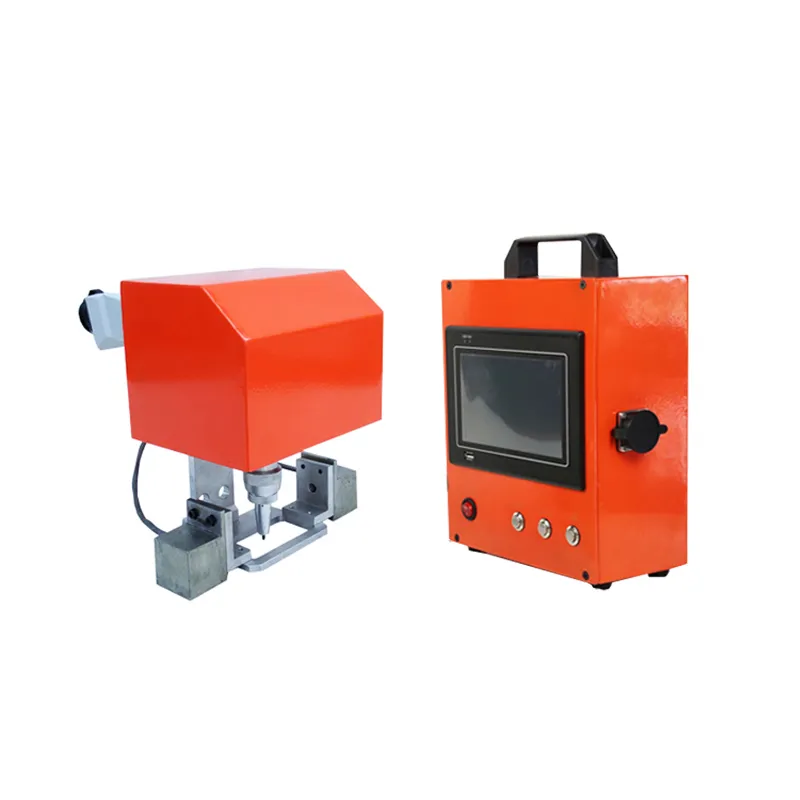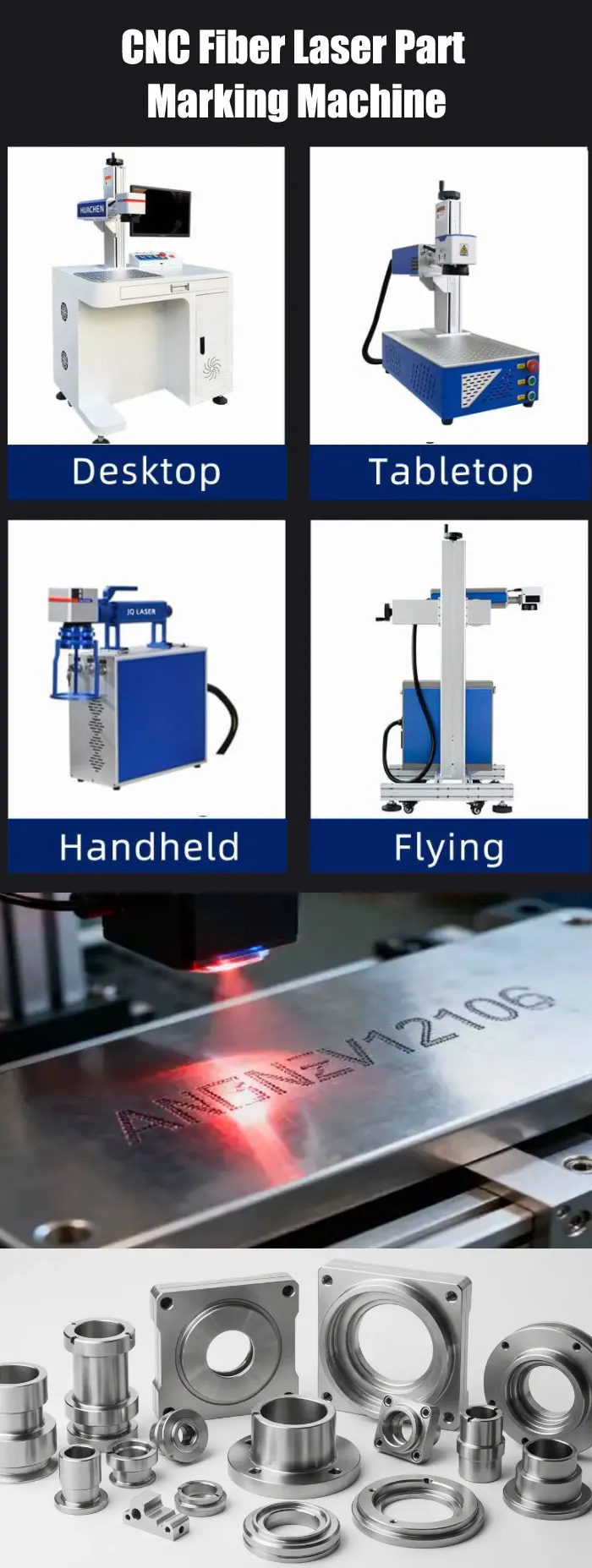
CNC Fiber Laser Part Marking Machine
A fiber laser marking system for permanent identification of CNC-machined metal parts, including serial numbers, QR codes, Data Matrix codes, part numbers, logos and production traceability information.
Indicative market range for typical 20W–100W fiber configurations. Final JQ Laser quotation depends on laser source, marking field, enclosure, fixture, rotary axis, automation and shipping terms.
*Maximum scanner speed is not the same as actual production throughput. Final performance depends on material, artwork, lens, laser source, fixture and process parameters.
What Is a CNC Fiber Laser Part Marking Machine?
One thing is worth clearing up first: a CNC fiber laser part marking machine is normally not a laser cutting machine for machining CNC parts. It is a laser marking system used to identify parts that have already been produced by CNC machining.
For example, a CNC-machined aluminum housing may leave the machining center with the correct dimensions and surface finish. The next step may be to mark a part number, serial number, QR code, Data Matrix code, company logo or production batch number on it.
This is where fiber laser marking becomes useful. The laser creates a permanent identification mark without using ink, labels or mechanical contact with the part.
CNC machining makes the part. The fiber laser marks the information that tells you what the part is, where it came from and how it can be traced later.
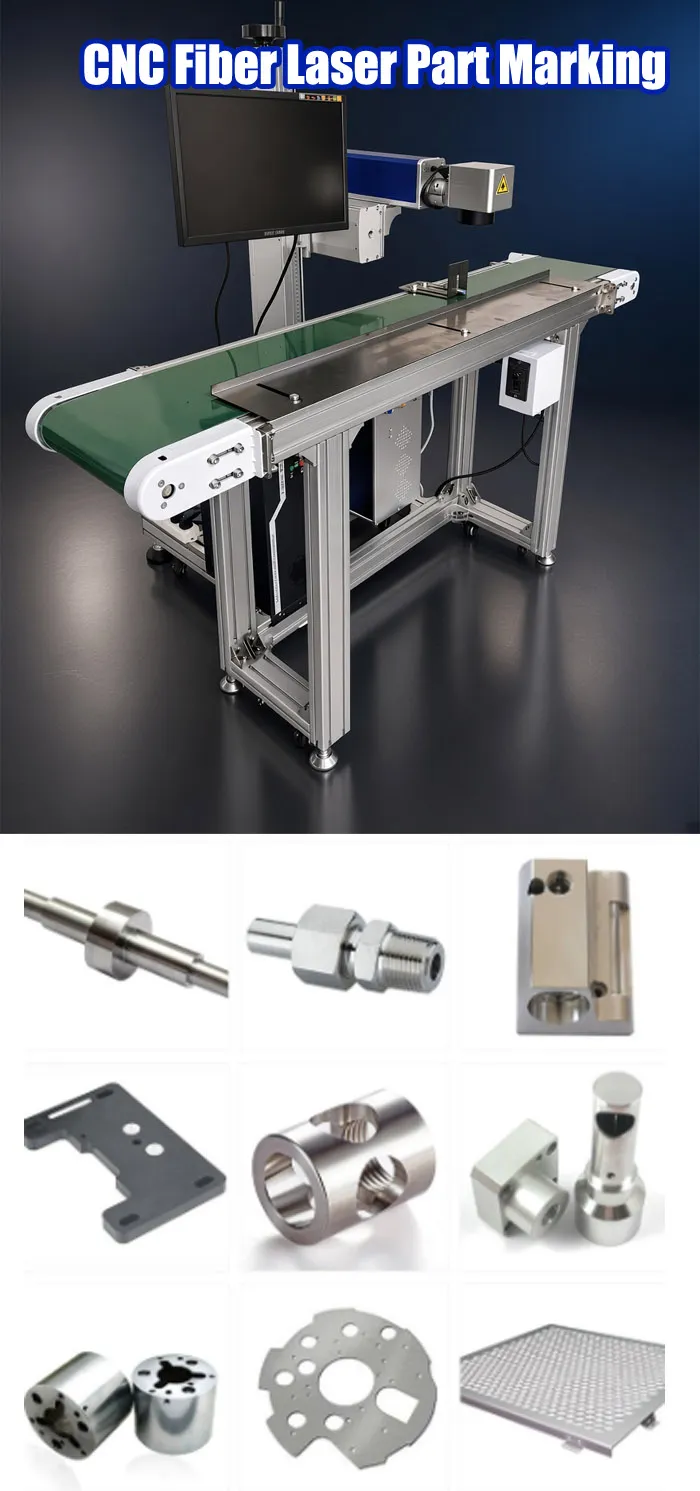
What Can You Mark on CNC-Machined Parts?
In real production, customers rarely buy a laser just to put a company logo on a part. More often, the marking is part of identification, traceability, quality control or after-sales management.
Part Number
Identify the exact component model or drawing number.
Serial Number
Give every component a unique identity for production and service.
QR Code
Store production, product or service information in a machine-readable code.
Data Matrix
Useful when a compact 2D identification code is required.
Logo & Brand
Add permanent manufacturer identification directly to the component.
Batch & Date Code
Track production batches and manufacturing information.
CNC Fiber Laser Part Marking Applications
The right laser setup depends less on the words “CNC part” and more on the actual material, surface, marking content and production process. Here are some common applications we see.
Automotive CNC Parts
Mark part numbers, serial numbers, Data Matrix codes, logos and traceability information on engine components, brackets, housings, shafts and other metal components.
Aerospace Components
Permanent identification can be applied to suitable aluminum, stainless steel and titanium components where part traceability and long-term readability matter.
Industrial Machinery Parts
Mark machine components with model numbers, component IDs, specifications and maintenance information.
Tools & Tooling
Add permanent tool numbers, specifications, logos and identification marks to cutting tools, fixtures and industrial tooling.
Hydraulic & Pneumatic Parts
Mark valves, fittings, manifolds, hydraulic components and other machined parts with product information and identification codes.
Medical Metal Components
Suitable metal components can be marked with product identification, serial numbers and traceability information after confirming the required marking method and material response.
Materials Commonly Used for CNC Part Marking
| Material | Typical Marking | Typical Applications | Testing Note |
|---|---|---|---|
| Stainless Steel | Black marking, surface marking, engraving | Medical, automotive, machinery | Alloy and finish can change the result |
| Aluminum | Dark marking, surface marking, coating removal | Housings, brackets, electronics | Anodized and bare aluminum behave differently |
| Carbon / Alloy Steel | Identification, engraving, traceability | Automotive and machinery | Power and passes depend on required depth |
| Brass | Surface marking / engraving | Fittings, valves, hardware | Reflectivity and alloy composition matter |
| Copper | Identification and surface processing | Electrical and industrial components | High reflectivity makes sample testing important |
| Titanium | Fine permanent marking | Aerospace, medical, precision parts | Test the exact alloy and surface condition |
20W vs 30W vs 50W vs 100W: Which Fiber Laser Should You Buy?
If you’re buying your first machine, don’t choose the wattage simply because the larger number sounds better. For CNC parts, the decision should be based on material, marking depth, cycle time and production volume.
| Power | Typical Use | Production Level | Deep Engraving | Typical Market Reference |
|---|---|---|---|---|
| 20W | Logos, serial numbers, QR codes, nameplates | Low–Medium | Limited | USD $900–1,600 |
| 30W | General CNC part production | Medium | Better | USD $1,100–2,000 |
| 50W | Faster production and deeper engraving | Medium–High | Very Good | USD $1,500–3,500 |
| 100W | Deep engraving and high material removal | High | Strong | USD $2,800–7,000 |
If you mainly need identification marks, start by evaluating 20W or 30W. If cycle time or engraving depth is becoming a problem, look at 50W. If you are removing a significant amount of metal or building a high-volume production system, then 100W becomes worth discussing.
For CNC Parts, the Fixture Can Matter More Than the Laser
This is something buyers sometimes overlook. You can buy a good 50W fiber laser and still have a bad production process if the part is not positioned consistently.
If every CNC component sits 2–3 mm differently in the marking area, the laser may still mark perfectly according to the file, but the mark will appear in a different position from part to part.
Typical Fixture Options
- Custom steel or aluminum positioning fixture
- Multi-position fixture for batch marking
- Interchangeable nests for different part models
- Rotary chuck for cylindrical components
- Pneumatic clamping for repeatable positioning
- Robot or conveyor loading for automated production
If you have several CNC part models
Don’t immediately ask for one universal fixture. First list the part dimensions, marking position and changeover frequency. If operators change between five part models every hour, a modular fixture may save more time than a cheaper machine.
Do You Need a Rotary Axis for CNC Parts?
Not every cylindrical component needs a rotary axis. If the marking is only on one small area of a shaft, tube or round component, a fixed fixture may be enough.
A rotary axis becomes more useful when the marking needs to follow the circumference of the part, when the marking area is larger, or when consistent rotational positioning is required.
| Requirement | Typical Solution |
|---|---|
| Small logo on one side | Fixed fixture |
| Mark around cylindrical surface | Rotary axis |
| Different diameters | Adjustable or interchangeable fixture |
| High-volume cylindrical parts | Rotary + automation / indexing system |
Laser Marking for CNC Part Traceability
For many CNC manufacturers, the real reason for buying a laser marker is not decoration. It is traceability.
A unique serial number or 2D code can connect the physical part with production records, inspection data, batch information and after-sales service records.
Part receives a unique serial number.
Inspection information can be associated with the code.
The component can be identified during assembly.
Service teams can identify the component later.
CNC Fiber Laser Part Marking Machine Specifications
The following are typical JQ Laser fiber marking configurations. Final specifications should be confirmed according to the selected laser source, lens, galvo scanner, fixture and application.
| Laser Type | Pulsed Fiber Laser |
| Power Options | 20W / 30W / 50W / 100W |
| Wavelength | 1064 nm typical |
| Cooling | Air cooling is common |
| Reference Marking Speed | Up to approximately 7,000 mm/s |
| Standard Marking Field | 110 × 110 mm |
| Optional Marking Fields | 150 × 150 / 175 × 175 / 200 × 200 / 300 × 300 mm |
| Minimum Line Width | Approximately 0.01–0.02 mm under suitable conditions |
| Minimum Character | Approximately 0.1–0.2 mm depending on material and optics |
| Control System | BJJCZ / JCZ-compatible configuration |
| Software | EZCAD2 commonly used |
| Power Supply | 110V / 220V, 50/60Hz depending on destination |
Common CNC Part Marking Problems — And Practical Solutions
| Problem | Possible Cause | Practical Solution |
|---|---|---|
| Mark position changes | Poor fixture positioning | Redesign the fixture and add repeatable locating points |
| Mark is too light | Focus, speed, power or surface condition | Check focus first, then optimize speed/power |
| Mark is too deep | Too much energy input | Increase speed or reduce power/passes |
| QR/Data Matrix is difficult to read | Poor contrast, excessive heat or incorrect size | Test code size, contrast and laser parameters |
| Different alloys produce different results | Material composition and surface finish | Test the actual production material |
| Production is slower than expected | Loading/indexing takes longer than marking | Measure complete cycle time instead of scanner speed |
| Multiple part models take too long to change | Poor fixture/changeover design | Use interchangeable fixtures or modular nests |
What Information Do We Need Before Quoting?
If you want an accurate recommendation instead of a generic machine price, send us the following information.
- CNC part photos
- Material and alloy grade if available
- Part dimensions
- Marking position
- Logo, text, serial number or QR/Data Matrix artwork
- Required marking size
- Required marking depth
- Number of parts per day or hour
- Number of different part models
- Whether automatic loading is required
- Whether the part is flat, irregular or cylindrical
- Whether the laser needs to communicate with PLC/MES/production equipment
Send us a real sample part if possible. A sample test is much more useful than choosing a laser only from a specification table.
Don’t Guess the Parameters — Test the Actual CNC Part
If the marking quality matters, we recommend testing the actual material and marking file before confirming the final configuration.
We can evaluate contrast, marking depth, readability, cycle time and fixture requirements before you make the equipment decision.
Request a Free Sample Test
LEO — JQ Laser Sales Engineer
LEO has more than 10 years of experience in laser marking, with practical experience in metal marking, industrial applications, automation marking projects and customized laser marking solutions. His work focuses on matching laser configurations with real production requirements rather than simply recommending higher laser power.
CNC Fiber Laser Part Marking Machine FAQ
What is a CNC fiber laser part marking machine?
It is a fiber laser marking system used to permanently identify CNC-machined components with part numbers, serial numbers, logos, QR codes, Data Matrix codes and other production information.
What materials can be marked on CNC parts?
Common applications include stainless steel, carbon steel, alloy steel, aluminum, brass, copper and titanium. Actual results depend on the alloy, surface finish and required marking effect.
Is 20W enough for CNC parts?
For many surface identification jobs such as logos, serial numbers, QR codes and part numbers, 20W can be sufficient. If you need faster production or deeper engraving, 30W, 50W or 100W may be more appropriate.
Is 50W better than 30W?
Not automatically. A 50W machine provides more processing capacity, but if your parts only require shallow identification marks, the extra power may not provide enough production benefit to justify the additional investment.
Can the laser mark QR codes and Data Matrix codes?
Yes. Fiber laser systems are commonly used for permanent 2D codes on suitable metal parts. Code size, contrast, material and marking parameters should be tested to make sure the finished code can be reliably read.
Can I connect the laser marker to my CNC production line?
Yes. Depending on the application, the marking system can be integrated with sensors, PLC controls, conveyors, rotary systems, robots and other production equipment.
Do I need a rotary axis for round CNC parts?
Not always. A fixed fixture can be enough when marking one small area. A rotary axis is more useful when the marking needs to follow the circumference or when controlled rotational positioning is required.
What information should I provide for a quotation?
Send the part photos, material, dimensions, marking content, marking position, required depth, production quantity, number of part models and automation requirements. A real sample is even better because it allows us to test the actual marking result.