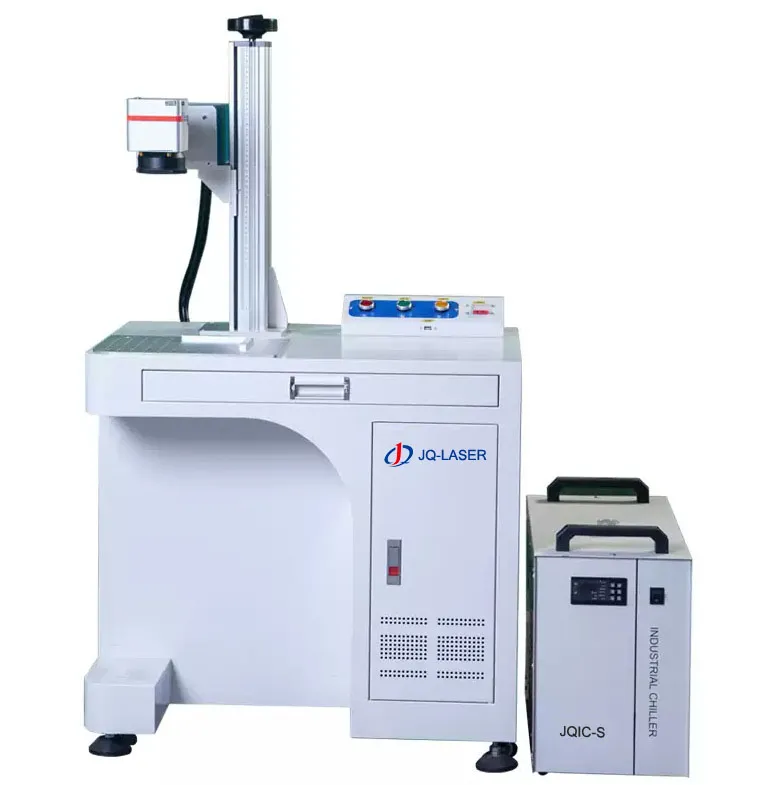
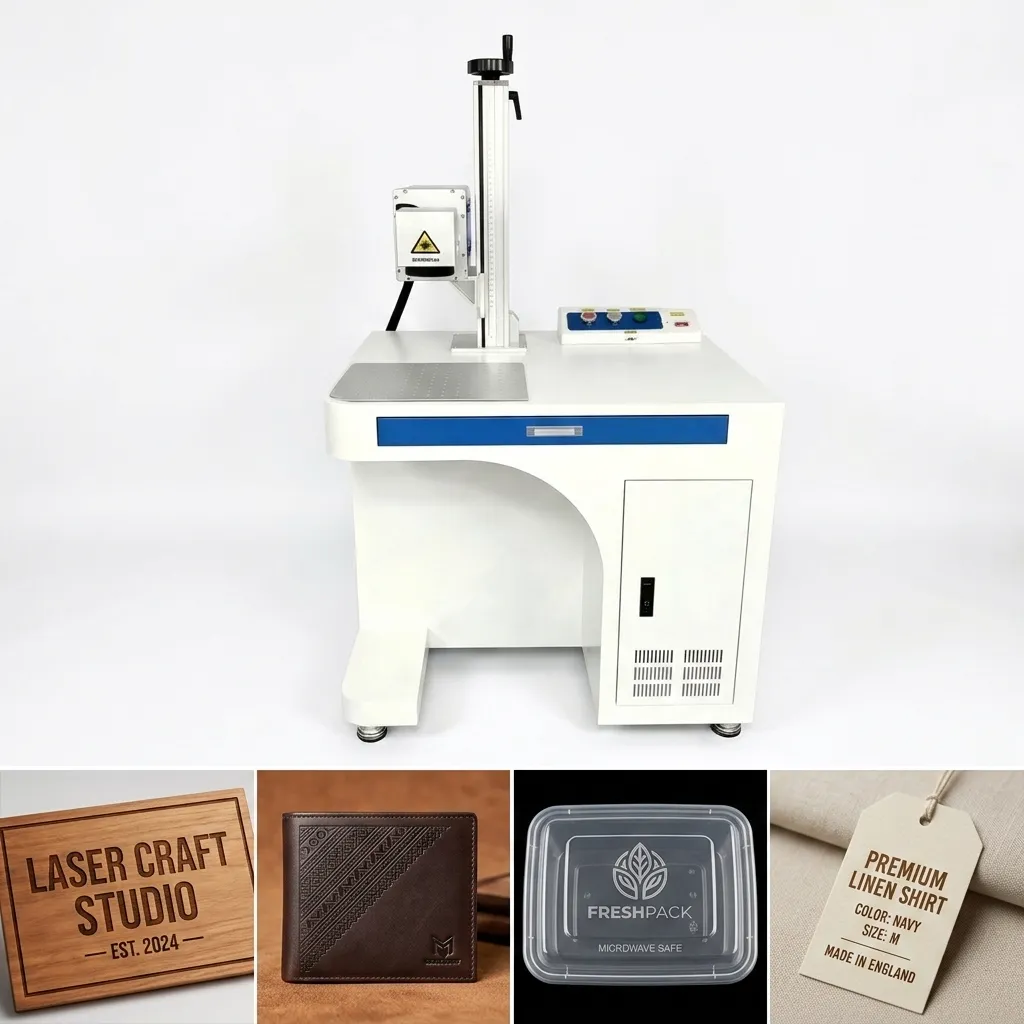
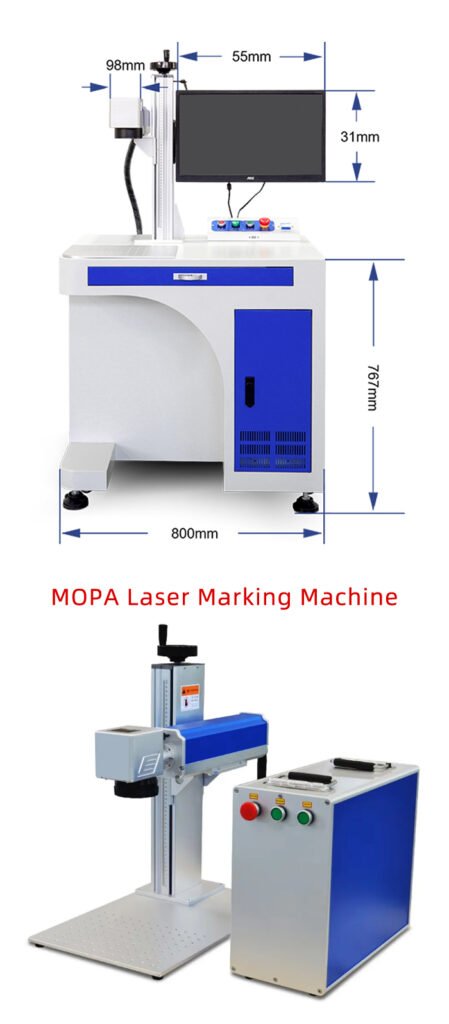
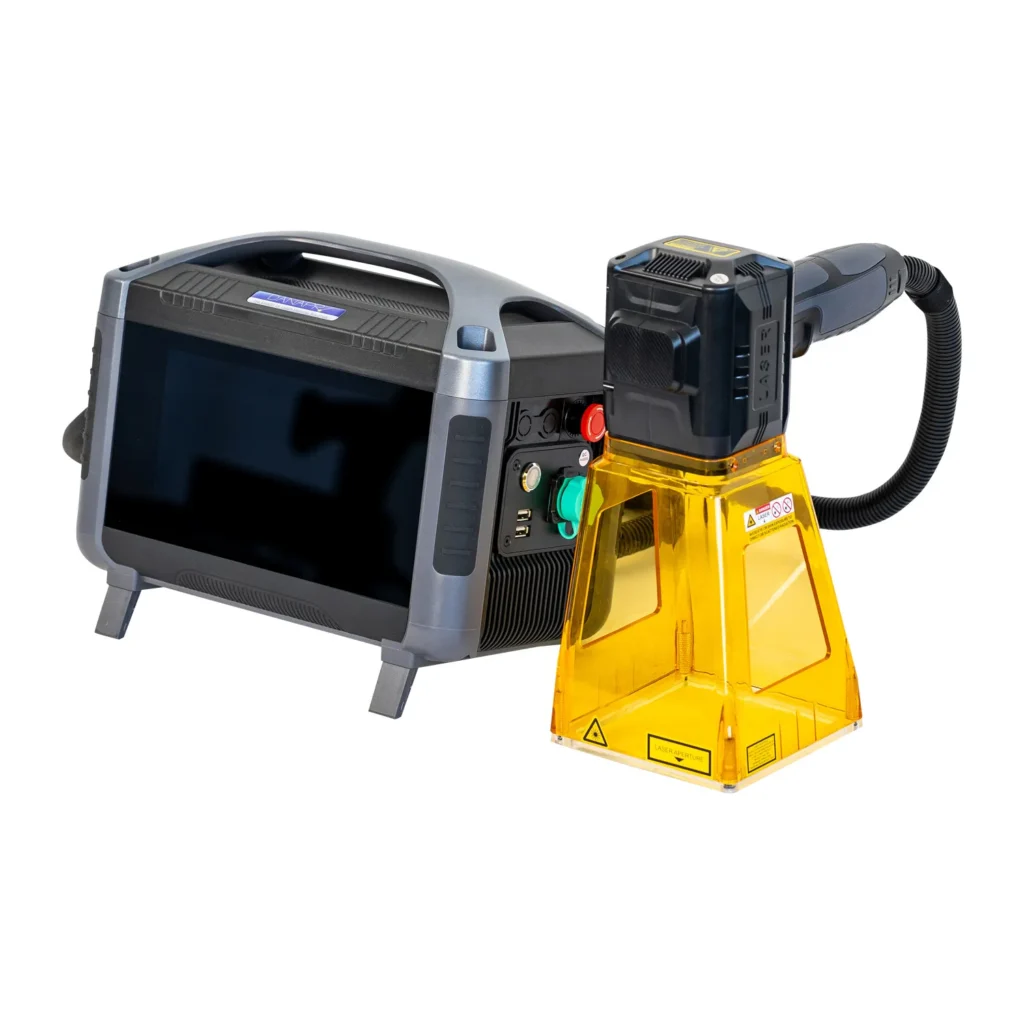
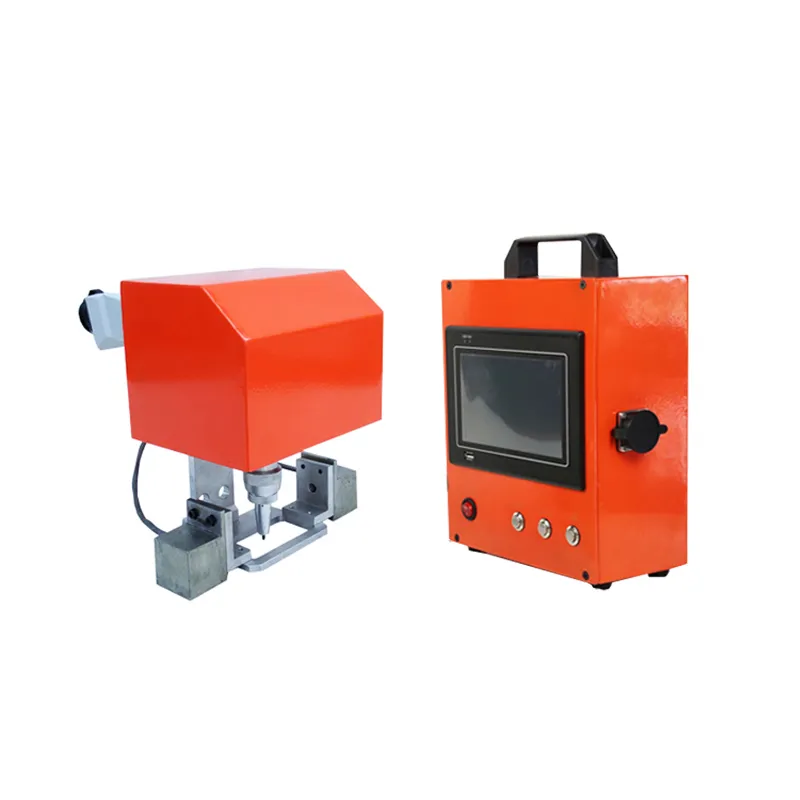
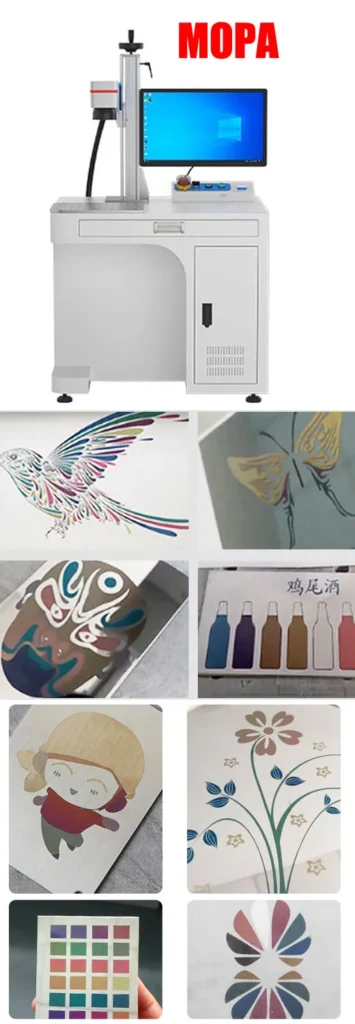
MOPA Laser Marking Machine for Stainless Steel
Create high-contrast black marks, decorative color effects and fine permanent markings on stainless steel with adjustable MOPA fiber laser technology.
Designed for stainless steel bottles, kitchenware, medical instruments, automotive components, hardware, jewelry and premium metal products where standard fiber laser marking may not provide enough control over heat, contrast or color.

LEO has more than 10 years of experience in laser marking and works with manufacturers on material testing, machine selection and production applications. His experience covers metal marking, precision applications and automated laser marking projects across different industries.
Do You Really Need a MOPA Laser for Stainless Steel?
Not every stainless steel application needs a MOPA laser. If your only requirement is a simple black serial number, QR code or logo, a conventional fiber laser can often do the job at a lower machine cost.
The reason I normally recommend MOPA is different: you need better control over the interaction between the laser pulse and the stainless steel surface. This becomes important when the customer wants black marking with better contrast, decorative color marking, fine graphics, lower heat influence or more flexibility when working with different stainless steel products.
If your stainless steel product is mainly industrial identification, start by comparing a 20W/30W standard fiber laser with a 20W/30W MOPA. If you need color marking, decorative effects or tighter process control, MOPA is usually the more flexible choice.
Do You Really Need a MOPA Laser for Stainless Steel?
Not every stainless steel application needs a MOPA laser. If your only requirement is a simple black serial number, QR code or logo, a conventional fiber laser can often do the job at a lower machine cost.
The reason I normally recommend MOPA is different: you need better control over the interaction between the laser pulse and the stainless steel surface. This becomes important when the customer wants black marking with better contrast, decorative color marking, fine graphics, lower heat influence or more flexibility when working with different stainless steel products.
If your stainless steel product is mainly industrial identification, start by comparing a 20W/30W standard fiber laser with a 20W/30W MOPA. If you need color marking, decorative effects or tighter process control, MOPA is usually the more flexible choice.
Why MOPA Laser Is Different for Stainless Steel
The key difference between a conventional fiber laser and a MOPA fiber laser is pulse control. A MOPA source allows the pulse duration to be adjusted over a wider range, giving the operator more flexibility when optimizing the laser process for a particular material and surface finish.
Adjustable Pulse Width
Change pulse duration to control how laser energy interacts with the stainless steel surface.
Better Color Control
MOPA can be used for controlled annealing effects on stainless steel, including decorative color effects.
Fine Marking
Useful for detailed logos, small characters, QR codes and precision product identification.
Process Flexibility
A wider parameter window can make it easier to optimize marking quality for different stainless steel products.
MOPA Fiber Laser Marking Machine Technical Specifications
The following specifications are based on the currently published JQ Laser MOPA configuration range. Final specifications can vary according to laser source, lens, galvanometer and machine configuration.
| Parameter | JQ MOPA Configuration |
|---|---|
| Laser Type | MOPA Pulsed Fiber Laser |
| Wavelength | 1064 nm |
| Laser Power | 20W / 30W / 50W / 60W / 100W |
| Pulse Width | Adjustable, published configuration range up to 1–350 ns |
| Frequency | Published configuration range up to 1–4000 kHz |
| Marking Speed | Up to approximately 10,000 mm/s |
| Position Accuracy | Approximately ±0.005 mm |
| Cooling | Air Cooling |
| Software | EZCAD / compatible laser marking software |
| File Formats | AI, DXF, PLT, BMP, JPG, PNG and other commonly used formats |
Technical note: marking speed, pulse range and achievable marking effect depend on the selected laser source, lens, galvanometer, material, artwork and process parameters. They should not be interpreted as a guaranteed production speed for every stainless steel application.
MOPA vs Standard Fiber Laser for Stainless Steel
This is probably the most important purchasing decision on this page. MOPA is not automatically better for every stainless steel application. The right choice depends on what you actually need to mark.
| Requirement | Standard Fiber | MOPA Fiber |
|---|---|---|
| Basic black marking | Excellent | Excellent |
| Serial numbers | Excellent | Excellent |
| QR / Data Matrix | Excellent | Excellent |
| Deep engraving | Very good | Very good |
| Color marking | Limited | Strong advantage |
| Pulse control | More limited | Adjustable |
| Decorative stainless steel products | Good | Better suited |
| Purchase cost | Usually lower | Usually higher |
Which MOPA Power Should You Choose for Stainless Steel?
I would not choose MOPA power simply because a higher wattage sounds better. Start with the marking effect, production volume, required depth and cycle time.
20W MOPA
A practical starting point for fine stainless steel marking, decorative products, small parts, logos, personalized products and color marking.
Good for:- Stainless steel bottles
- Jewelry
- Small hardware
- Fine logos
- Decorative marking
30W MOPA
A strong general-purpose choice when you need a balance between fine marking, production efficiency and application flexibility.
Good for:- Industrial stainless steel parts
- Higher production volume
- Black marking
- Color marking
- QR/Data Matrix
50W MOPA
Better suited when production throughput, deeper material removal or larger industrial parts becomes more important.
Good for:- Industrial components
- High-volume production
- Deeper engraving
- Larger marking jobs
- Shorter cycle-time targets
Common Stainless Steel MOPA Marking Problems — And How We Solve Them
Problem 1: The color changes from batch to batch
Stainless steel is not one single material. Different grades, surface finishes and suppliers can react differently to the same laser parameters.
Our solution: Test the actual stainless steel grade and surface finish before production. Build a parameter matrix instead of relying on one preset parameter.
Problem 2: The black marking is not dark enough
The issue may not be laser power alone. Speed, frequency, pulse width, focus and hatch distance all influence the surface effect.
Our solution: Run a controlled parameter grid and compare contrast rather than simply increasing power.
Problem 3: The surface becomes too hot
Excessive thermal input can create unwanted discoloration, melting or edge effects.
Our solution: Optimize pulse duration, frequency and scanning speed to control the energy delivered to the surface.
Problem 4: The color looks different on polished and brushed stainless steel
Surface finish changes the visual appearance of the marking and can affect the laser-material interaction.
Our solution: Test the exact production surface rather than testing only a random stainless steel sample.
Problem 5: The machine can mark the sample, but production is too slow
A sample test only proves that the laser can produce the required effect. It does not automatically prove that the machine can meet your target cycle time.
Our solution: Test the complete artwork and calculate the actual marking cycle, including positioning, rotary movement, loading and unloading.
How Does MOPA Create Color on Stainless Steel?
MOPA color marking on stainless steel is not conventional printing. The laser changes the surface through controlled laser heating and oxidation effects. By adjusting laser parameters, the resulting surface appearance can change.
Controls the duration of each laser pulse and strongly affects the thermal interaction.
Changes the relationship between pulses and the resulting energy distribution.
Determines how long the laser interacts with each area of the surface.
Stainless steel alloy and surface finish can change the final appearance.
Professional laser suppliers should test the customer’s actual stainless steel. Even the same nominal stainless steel grade can produce different visual results depending on surface finish and material batch.
What Should You Test Before Buying a MOPA Laser?
This is the part I recommend every factory buyer pay attention to. Do not send only the words “304 stainless steel” to the supplier and ask for a quotation. That information is not enough to guarantee the marking result.
| Test Item | Why It Matters |
|---|---|
| Stainless steel grade | Different alloys can produce different visual results. |
| Surface finish | Polished, brushed and treated surfaces can look different after marking. |
| Artwork | Fine graphics and large filled areas have different processing requirements. |
| Required color | Black, blue, gold and decorative effects require different optimization. |
| Marking size | Lens selection affects working area and marking resolution. |
| Production quantity | Power and automation should match your actual cycle-time requirement. |
| Product geometry | Flat parts, cylindrical products and irregular parts may require different fixtures or rotary systems. |
How to Configure a MOPA Stainless Steel Marking Machine
A laser source is only one part of the system. When comparing quotations from different suppliers, compare the complete configuration instead of comparing wattage alone.
Laser Source
Confirm the actual MOPA laser source, power and pulse-control range.
F-Theta Lens
Choose the marking field according to your product size and required resolution.
Galvanometer
Galvo quality influences positioning, stability and practical marking performance.
Rotary Axis
Recommended for bottles, rings, cylinders and other round stainless steel products.
Vision System
Useful when products have variable positioning or require automatic alignment.
Automation
Conveyor, loading systems, PLC or MES integration can be added for high-volume production.
Our Recommended Buying Process for Stainless Steel MOPA Laser Marking
Send Your Sample
Send the actual stainless steel product or material sample.
Confirm Artwork
Provide your logo, QR code, serial number or decorative design.
Parameter Testing
Test pulse width, speed, frequency and power combinations.
Sample Confirmation
Compare the actual marking effect with your quality requirements.
Machine Configuration
Select power, lens, rotary, enclosure and automation according to production needs.
Production
Install the machine, train operators and move the approved parameters into production.
Related Laser Marking Solutions
Explore the complete MOPA laser system.
Stainless Steel Laser MarkingCompare laser solutions for stainless steel.
Fiber Laser for Stainless SteelCompare standard fiber laser solutions.
Color Marking SolutionLearn more about MOPA color marking.
Metal Laser MarkingExplore laser marking for different metals.
Product Traceability SolutionFor serial numbers, QR codes and traceability.
Serial Number MarkingPermanent industrial identification.
Logo Engraving SolutionLaser logo marking for metal products.
MOPA Laser Marking Stainless Steel FAQ
Can MOPA laser mark stainless steel in color?
Yes. MOPA fiber laser technology can produce controlled color and annealing effects on stainless steel. The final color depends on the stainless steel alloy, surface condition and laser parameters.
Is MOPA better than a standard fiber laser for stainless steel?
Not for every application. Standard fiber laser is often sufficient for ordinary black marking, serial numbers and QR codes. MOPA becomes more attractive when you need color marking, adjustable pulse control, fine marking or better process flexibility.
What MOPA power is suitable for stainless steel?
20W and 30W are practical choices for many fine marking and color marking applications. 50W and higher powers become more attractive when production throughput or deeper engraving is important. The correct power should be confirmed through sample testing.
Can MOPA mark stainless steel bottles?
Yes. MOPA is suitable for stainless steel bottles and tumblers. A rotary axis can be added when the marking needs to follow a cylindrical surface.
Can MOPA laser mark medical stainless steel instruments?
Yes. MOPA can be used for permanent identification and traceability marks on stainless steel medical products. The exact marking process should be validated against the customer’s material, cleaning process and applicable quality requirements.
Does stainless steel grade affect the color?
Yes. Stainless steel alloy and surface finish can affect the final appearance. This is why professional suppliers should test the actual customer material rather than relying only on a generic stainless steel sample.
Can you test my stainless steel before I buy the machine?
Yes. JQ Laser recommends sending the actual stainless steel material, artwork, required marking size and production requirements for sample testing before final machine configuration.
Test Your Stainless Steel Before You Buy
Send us your stainless steel sample, marking artwork, required color or contrast, marking size and expected production volume. Our engineers can test the material and help you compare the appropriate MOPA power and configuration.
Technical References & Source Notes
This page combines JQ Laser’s published MOPA machine specifications with publicly available technical information from established laser equipment manufacturers. Machine configuration and laser parameters may vary according to the selected laser source, optical system and application.
- JQ Laser: MOPA Fiber Laser Marking Machine specifications and stainless steel application information.
- Trotec Laser: MOPA laser technology information and stainless steel color annealing application examples.
- Application principle: Stainless steel color marking is highly parameter- and material-dependent, so actual sample testing is recommended before production.