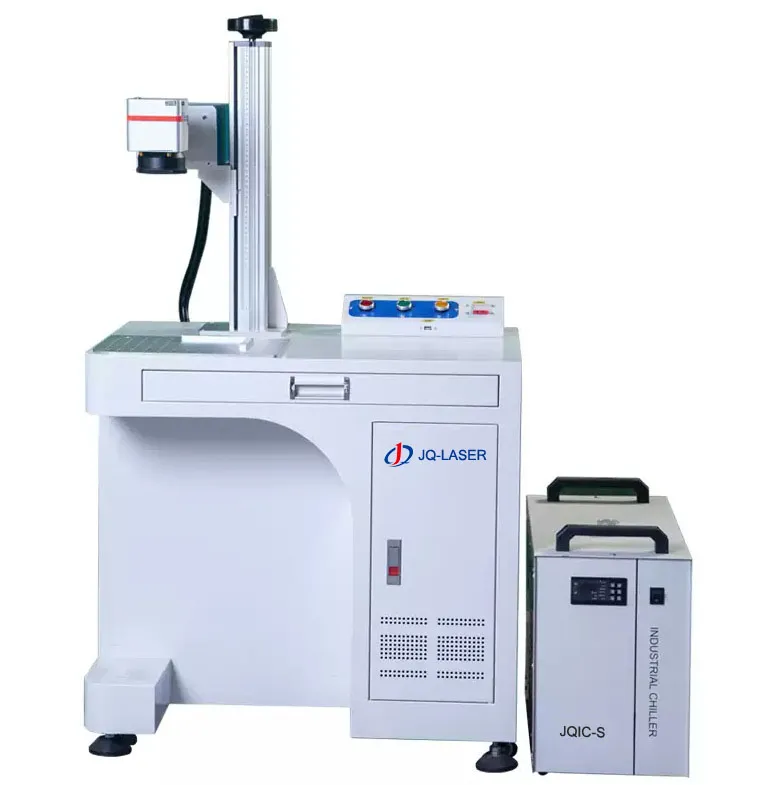
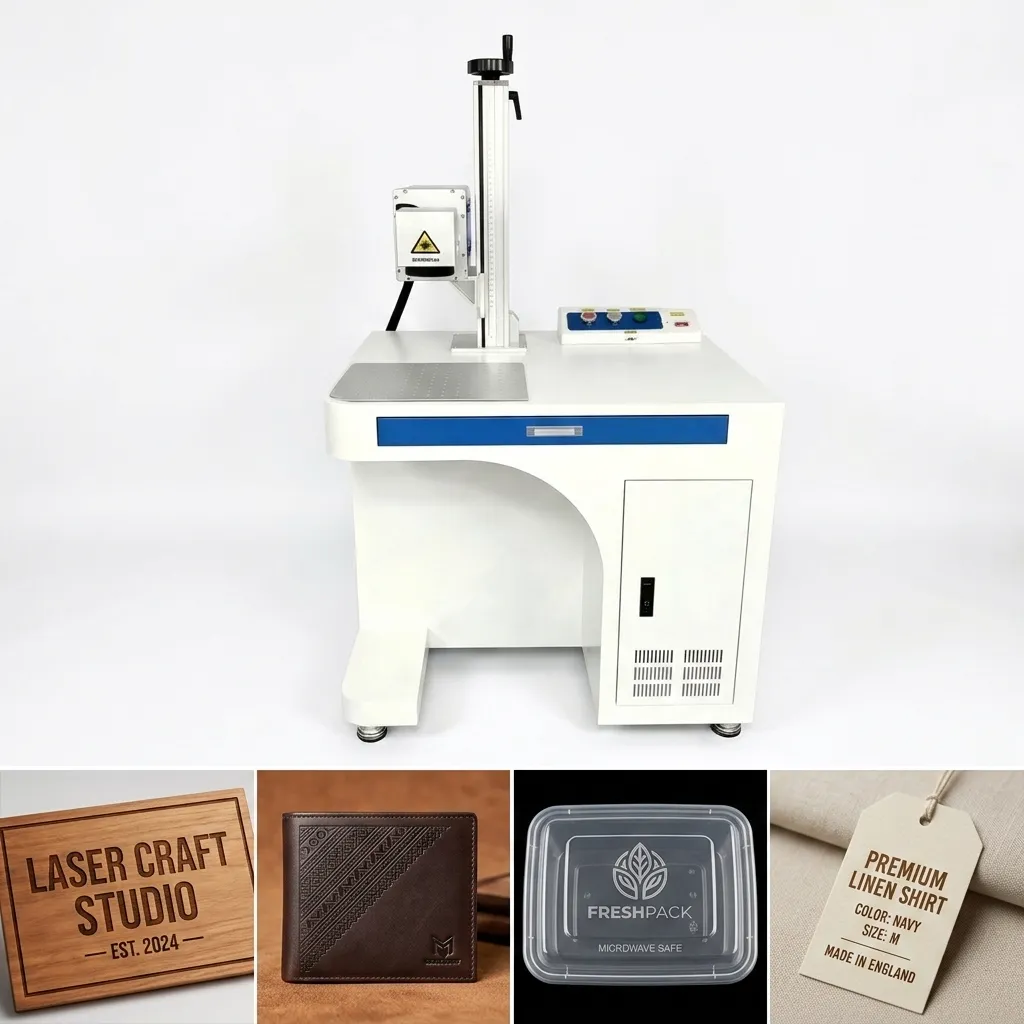
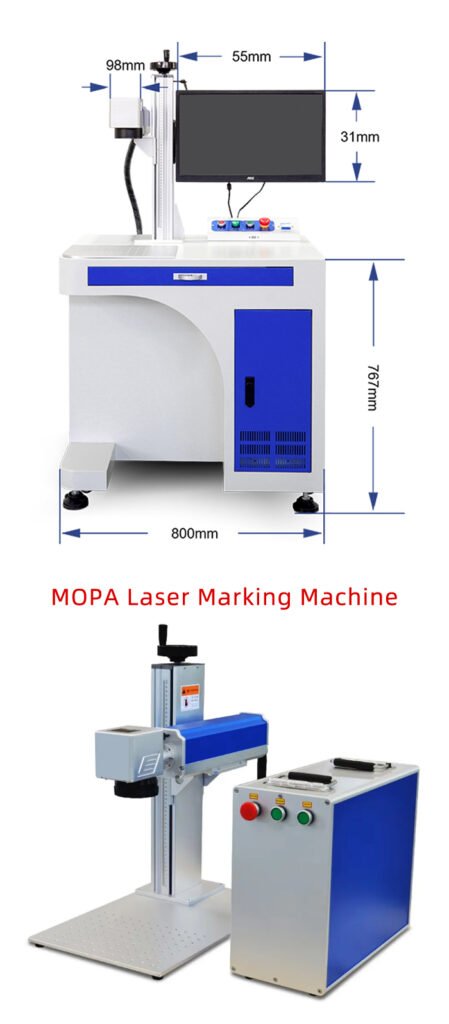
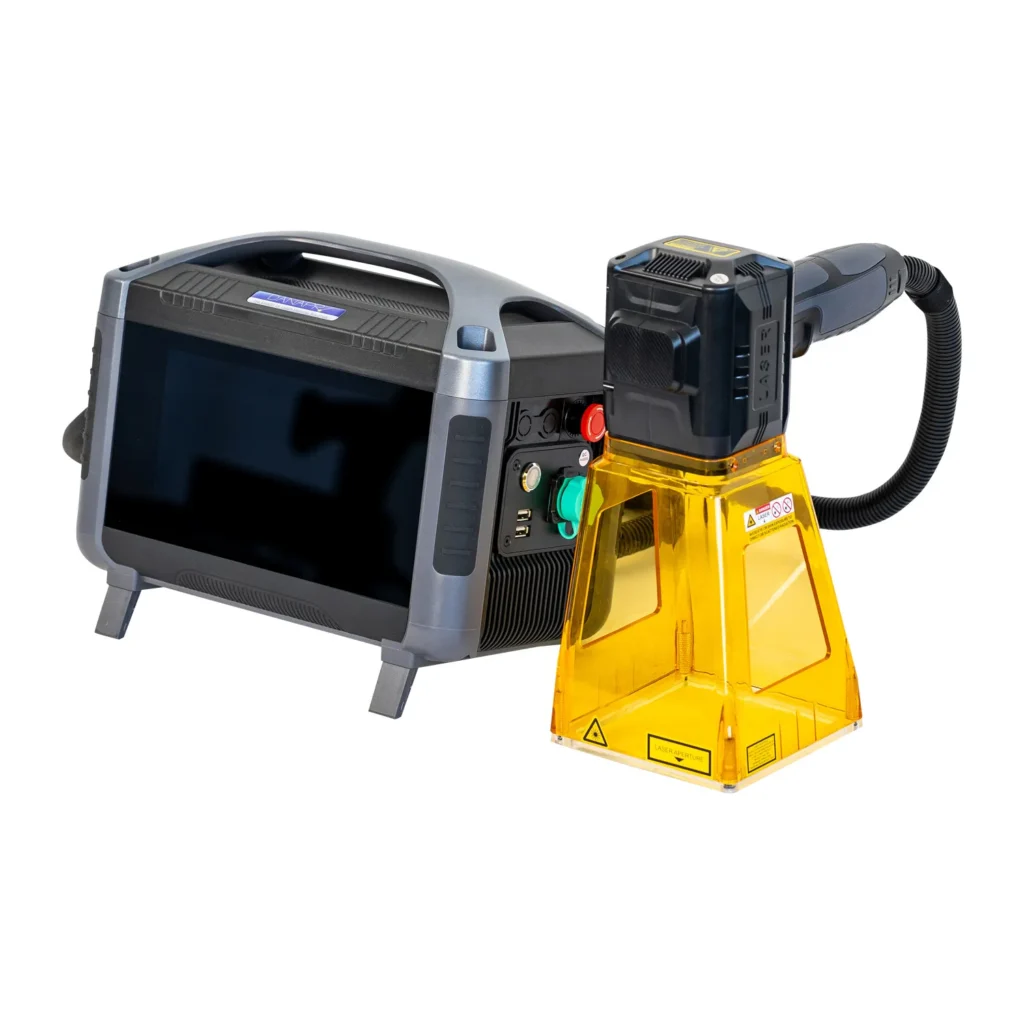
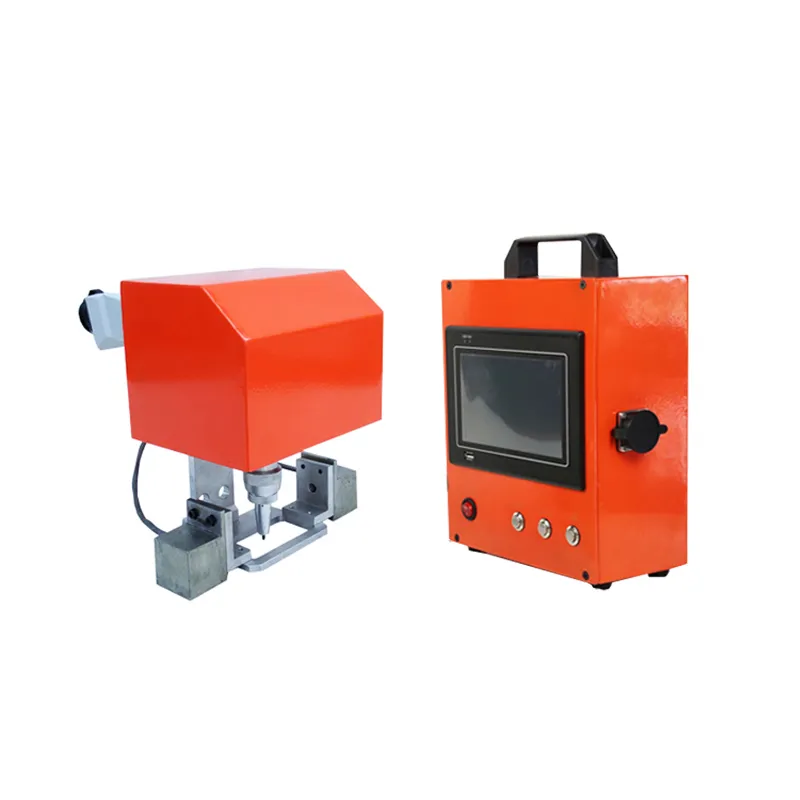
Laser Marking Machine for Production Line
Integrate permanent laser marking directly into your production line for automated product identification, serial numbers, QR codes, Data Matrix codes, logos and traceability marking.
JQ Laser can configure fiber, MOPA or UV laser marking systems with conveyors, PLC control, sensors, rotary positioning, vision inspection and variable-data marking according to your production process.

What Is a Laser Marking Machine for Production Lines?
A production-line laser marking machine is not simply a standard desktop laser marker placed next to a conveyor. It is a marking system designed to communicate with the manufacturing process and automatically mark products as they move through a production line.
Depending on the application, the system may include a laser source, scanning head, marking controller, conveyor or indexing mechanism, photoelectric sensors, encoder, PLC, industrial computer, positioning fixture, rotary axis, vision camera and data communication interface.
The purpose is to reduce manual handling and make marking part of the manufacturing process itself. A typical workflow can be:
Part enters marking station
Sensor or vision confirms position
Laser applies required information
Camera or reader checks the result
Production data is stored

When Should You Integrate Laser Marking Into a Production Line?
Automation is not automatically better for every factory. If you only mark a few hundred parts per month, a standard desktop or enclosed marking machine may be more economical.
Production-line integration becomes more attractive when marking is repeated continuously, production volume is high, manual data entry creates errors, products need unique identification, or the marking process must be synchronized with upstream and downstream equipment.
High Production Volume
Repetitive marking of hundreds, thousands or more parts per shift.
Variable Data
Serial numbers, lot numbers, dates or other data changes from part to part.
Traceability
Each part needs a unique ID linked to production records.
Reduced Operator Handling
Manual loading, typing and template selection are creating bottlenecks.
Consistent Positioning
Parts arrive at a known position or can be positioned automatically.
MES / PLC Integration
The marking process needs to exchange production information with factory systems.
When Should You Integrate Laser Marking Into a Production Line?
Automation is not automatically better for every factory. If you only mark a few hundred parts per month, a standard desktop or enclosed marking machine may be more economical.
Production-line integration becomes more attractive when marking is repeated continuously, production volume is high, manual data entry creates errors, products need unique identification, or the marking process must be synchronized with upstream and downstream equipment.
High Production Volume
Repetitive marking of hundreds, thousands or more parts per shift.
Variable Data
Serial numbers, lot numbers, dates or other data changes from part to part.
Traceability
Each part needs a unique ID linked to production records.
Reduced Operator Handling
Manual loading, typing and template selection are creating bottlenecks.
Consistent Positioning
Parts arrive at a known position or can be positioned automatically.
MES / PLC Integration
The marking process needs to exchange production information with factory systems.
Typical Production Line Laser Marking System
The exact architecture depends on the product, takt time, marking position, production data and required inspection process.
For a simple application, the system may only need a sensor and PLC trigger. More advanced lines can add encoders, machine vision, automatic positioning, code verification and MES/ERP communication.
Key Components of an Automated Laser Marking System
| Component | Main Function | Typical Consideration |
|---|---|---|
| Laser Source | Creates the marking beam | Fiber, MOPA or UV depending on material and mark |
| Galvo Scanner | Moves the laser beam across the marking field | Speed, accuracy and working area |
| PLC | Controls machine sequence and signals | I/O or industrial communication |
| Sensor | Detects product arrival | Photoelectric, proximity or other sensor |
| Encoder | Tracks conveyor movement | Useful for mark-on-the-fly applications |
| Vision System | Positioning and mark verification | Required when placement or readability must be verified automatically |
| Conveyor / Fixture | Moves or positions the product | Product size, orientation and takt time |
| MES / ERP Interface | Transfers production data | Depends on customer’s existing system |
| Safety System | Controls access and laser safety | Enclosure, interlocks and site requirements |
Which Laser Is Best for a Production Line?
There is no single laser source that is best for every production line. The correct choice depends on the material, required mark, cycle time, working environment and integration requirements.
| Laser Type | Typical Materials | Production-Line Applications | When to Consider It |
|---|---|---|---|
| Fiber Laser | Stainless steel, aluminum, brass, copper, titanium and other metals | Serial numbers, QR codes, Data Matrix, logos, part identification | General industrial metal marking |
| MOPA Fiber | Metals, anodized aluminum and selected plastics | High-contrast marking, color marking, sensitive materials | When pulse-width control provides a process advantage |
| UV Laser | Plastics, electronics, glass and selected sensitive materials | Fine marking, electronics identification and low-heat applications | When heat-affected areas or material sensitivity are critical |

PLC Integration for Production Line Laser Marking
PLC integration allows the laser marking process to become part of the production sequence instead of operating as an isolated machine.
A simple system may use digital I/O signals for product detection, marking start, machine ready, marking complete and fault feedback. More advanced production lines can exchange recipe or variable data through industrial communication interfaces.
Sensor confirms that the product has reached the marking position.
PLC sends the trigger after the required conditions are satisfied.
The production controller knows whether the laser is ready or processing.
Production sequence continues after the marking process is complete.
The line can stop, alarm or route the part to inspection when required.
PLC communication should be defined during the system design stage. The exact signal list, communication protocol, timing and data format depend on the customer’s PLC and production equipment.
Mark-on-the-Fly Laser Marking on a Conveyor
For moving products, the laser does not always need to wait for the conveyor to stop. With the appropriate encoder and control architecture, the marking system can synchronize the marking position with conveyor movement.
This approach can be useful for continuous production where stopping the conveyor for every product would reduce throughput.
Encoder
Tracks conveyor movement so the marking process can follow the product.
Trigger Sensor
Detects the product and starts the predefined marking sequence.
Laser Controller
Coordinates the marking position and dynamic data.
Vision Inspection for Automated Laser Marking
A laser can create a permanent mark, but a production line may still need to verify that the correct information was marked in the correct position and remains readable.
Position Verification
Detect whether the marking location is correct.
OCR / OCV
Check printed characters when the application requires it.
QR / Data Matrix Reading
Verify that a code can be read by the required inspection system.
Pass / Fail Output
Send inspection results to the PLC for sorting or process control.
For applications requiring formal code-quality grading, the inspection criteria should be agreed with the customer before the system is designed. Marking quality depends on material, contrast, code size, optics, parameters, surface condition and inspection equipment.
Laser Marking with MES, ERP and Production Traceability
For factories that need product genealogy or serialization, the laser marker can become one step in a larger production-data workflow.
Depending on the customer’s architecture, variable information can include serial numbers, batch numbers, product codes, dates or other production identifiers. The exact communication method should be confirmed with the customer’s IT and automation engineers.
- Production system creates or assigns product identification data.
- Required data is sent to the marking station.
- Laser marks the product.
- Vision or code reader verifies the result when required.
- Result is returned to the production system.
- The marking event can be associated with the product record.
Production Line Laser Marking Applications
Automotive Parts
VIN-related identification, part numbers, serial numbers, Data Matrix codes and component traceability.
Electronics
PCB identification, connectors, housings, electronic components and small product codes.
Battery Manufacturing
Cell, module and pack identification, serial numbers and traceability codes.
Medical Devices
Product identification, serial numbers, UDI-related marking and permanent identification.
Hardware & Tools
Metal parts, tools, fittings, fasteners and industrial components.
Packaging
Batch information, date codes, product identification and variable information.
Production Line Laser Marking vs. Standalone Marking
| Factor | Standalone Machine | Production Line System |
|---|---|---|
| Loading | Usually manual | Conveyor, robot or automated fixture |
| Data Entry | Often operator controlled | Can receive variable data automatically |
| Production Control | Independent | PLC / line control |
| Vision | Optional/manual | Can be integrated for automatic verification |
| Traceability | Limited | Can connect with MES / production records |
| Initial Cost | Generally lower | Generally higher |
| Best For | Low/medium volume and flexible jobs | Repeated production and automated workflows |
How to Choose a Laser Marking System for Your Production Line
The most common mistake when purchasing a production-line laser marker is choosing the laser power first. For an automation project, the marking process and production requirements should be defined before selecting the final machine configuration.
Define the Material
Stainless steel, aluminum, copper, plastic, glass and other materials may require different laser technologies and parameters.
Define the Mark
Text, logo, QR code, Data Matrix, barcode, serial number or deep engraving can have very different process requirements.
Calculate the Required Cycle Time
Do not use maximum laser scanning speed as the production cycle time. Test the complete marking sequence with the actual part.
Define Product Positioning
Decide whether the part is fixed, indexed, conveyed, robot-loaded or needs camera-based positioning.
Define Data Requirements
Determine whether marking data is fixed or generated dynamically by the production system.
Define Safety and Factory Requirements
Enclosure, interlocks, access control, electrical requirements and factory safety procedures should be reviewed before installation.
How We Approach a Production Line Laser Marking Project
A production-line project should be designed around the customer’s actual process rather than starting from a standard machine model.
Material, product dimensions, marking content and production volume.
Test the actual material and confirm marking quality.
Estimate the complete marking and handling sequence.
Define conveyor, fixture, sensors, PLC and optional vision.
Connect the marking station with the customer’s production equipment.
Verify marking, signals, sequence and production operation.
JQ Laser Production Line Marking Configuration
| Laser Type | Fiber / MOPA Fiber / UV depending on material and application |
|---|---|
| Fiber Laser Power | Common configurations include 20W, 30W, 50W, 60W and 100W |
| Wavelength | 1064 nm for standard fiber laser systems |
| Typical Marking Area | 110 × 110 mm standard configuration, with larger lenses available depending on application |
| Software | EZCAD-compatible marking control depending on system configuration |
| Cooling | Air cooling is commonly used for fiber configurations |
| Automation | Conveyor, sensor trigger, PLC, rotary axis, fixture and optional vision system |
| Data | Fixed or variable marking data depending on the integration architecture |
Final specifications should be confirmed after reviewing the actual workpiece, marking content, cycle-time requirement and production-line interface.
Common Problems in Production Line Laser Marking
“The laser is fast, but the line is still slow.”
Laser scanning speed is only one part of the cycle. Loading, positioning, triggering, inspection and product spacing can become the real bottleneck.
“The mark position changes.”
Check product positioning, fixture tolerance, conveyor movement, sensor location and whether vision alignment is required.
“The wrong serial number was marked.”
Variable-data workflows should include clear product identification, data validation and suitable PLC/MES logic before triggering the laser.
“The code is marked but cannot always be read.”
Material condition, contrast, code size, laser parameters and inspection lighting all affect readability.
“The PLC integration does not work as expected.”
Define the complete I/O or communication handshake before building the system instead of trying to add integration at the end.
“The machine works manually but fails in production.”
Production testing should simulate actual line speed, part variation, operator workflow and downstream equipment.
What Information Do We Need to Design Your Production Line Laser Marker?
A production-line laser marking quotation is much more accurate when the application information is available. You do not need a complete automation drawing to start the discussion.
Laser Marking Machine for Production Line FAQ
Can a fiber laser marking machine be integrated into an existing production line?
Yes. Depending on the production line, the laser system can be integrated using sensors, PLC signals, conveyors, fixtures, encoders, vision systems and other automation components. The actual interface should be reviewed before final configuration.
Can the laser mark products while they are moving?
Yes, mark-on-the-fly applications are possible when the laser controller, triggering system and encoder are properly configured for the conveyor movement and required marking accuracy.
Can the laser marking machine connect to a PLC?
Production-line systems can be designed around PLC triggering and status signals. The exact I/O list and communication method depend on the customer’s PLC and automation architecture.
Can variable serial numbers be marked automatically?
Yes. Variable data can be used when the marking software and production control system are configured to receive and validate the required data.
Do I need a vision system?
Not always. A vision system becomes more useful when product position varies, marking must be automatically verified, or the production process requires automatic pass/fail inspection.
What laser power is suitable for production-line marking?
Power should be selected according to material, mark size, required contrast or depth and cycle time. JQ Laser commonly works with 20W, 30W, 50W, 60W and 100W fiber configurations, but the correct power should be confirmed through application testing.
Is a production-line laser marking machine more expensive than a standard machine?
Usually, yes, because automation can require conveyors, fixtures, sensors, PLC integration, vision inspection, safety systems and custom engineering. Whether the additional investment is justified depends on production volume, labor requirements and process objectives.
Can JQ Laser design a customized production-line marking system?
JQ Laser can review the marking application and production requirements and recommend a suitable laser and automation configuration. Final system design depends on the actual product, production line and integration requirements.
Related Laser Marking Solutions
Automated marking systems for industrial production.
Fiber Laser Marking MachineGeneral-purpose fiber laser marking for metals.
MOPA Fiber Laser Marking MachinePulse-controlled marking for specialized applications.
Fiber Laser Marking Machine MaintenancePractical maintenance and troubleshooting guidance.
TCO & ROI CalculatorEstimate investment, operating cost and payback.
Battery Industry Laser MarkingProduction and traceability applications for batteries.
Planning to Add Laser Marking to Your Production Line?
Send us your product photos, material, marking requirements and production speed. We can help evaluate the laser type, marking parameters and automation configuration before you make the equipment decision.